Double Fullscreen
 DN Media Group ASOnline · Display
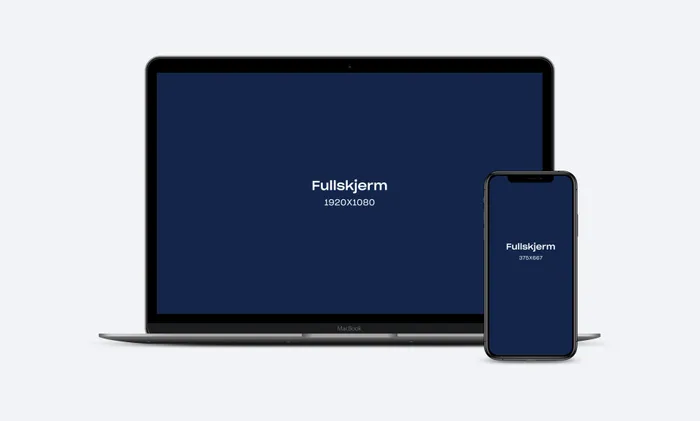
Frame assets will be stretched to cover the whole screen, so avoid placing any important content near to the edges, as it may appear cropped on some screens. Keep all your important brand elements and messaging towards the center of the asset.
Safe Zones
In order to avoid important content (text, logos, CTAs etc) appearing cropped on some screens and devices, follow our safezone guidelines. Keep all key content within a centralised 70% area (70% width x 70% height), allowing a 15% margin on all sides. Your background image should still extend all the way to the edges of the asset, but keep in mind that anything outside of the safe-zone may get cropped.
Image - JPG or WEBP, Max 500kb
-
Mobile: 1080x1920
-
Desktop: 2560x1440
Examples
Prices & formats
NOK 880 CPM
- Devices
- Desktop, Mobile
- Max weight
- 350kB
- Dimensions
- 2560x1440 px, 1080x1920 px
- Format types
- Display
- File formats
- JPG, WEBP
- url
- https://www.adnami.io/specs
Ad specifications
More from DN - Display and video

Sold by
 DN Media Group ASSee the whole profile →